
RandomPlayer
Your video library, rediscovered.
Connect to your NAS or network share, hit shuffle, and let your favorite videos find you again. Browse, download, watch offline -- all beautifully native on every Apple device.
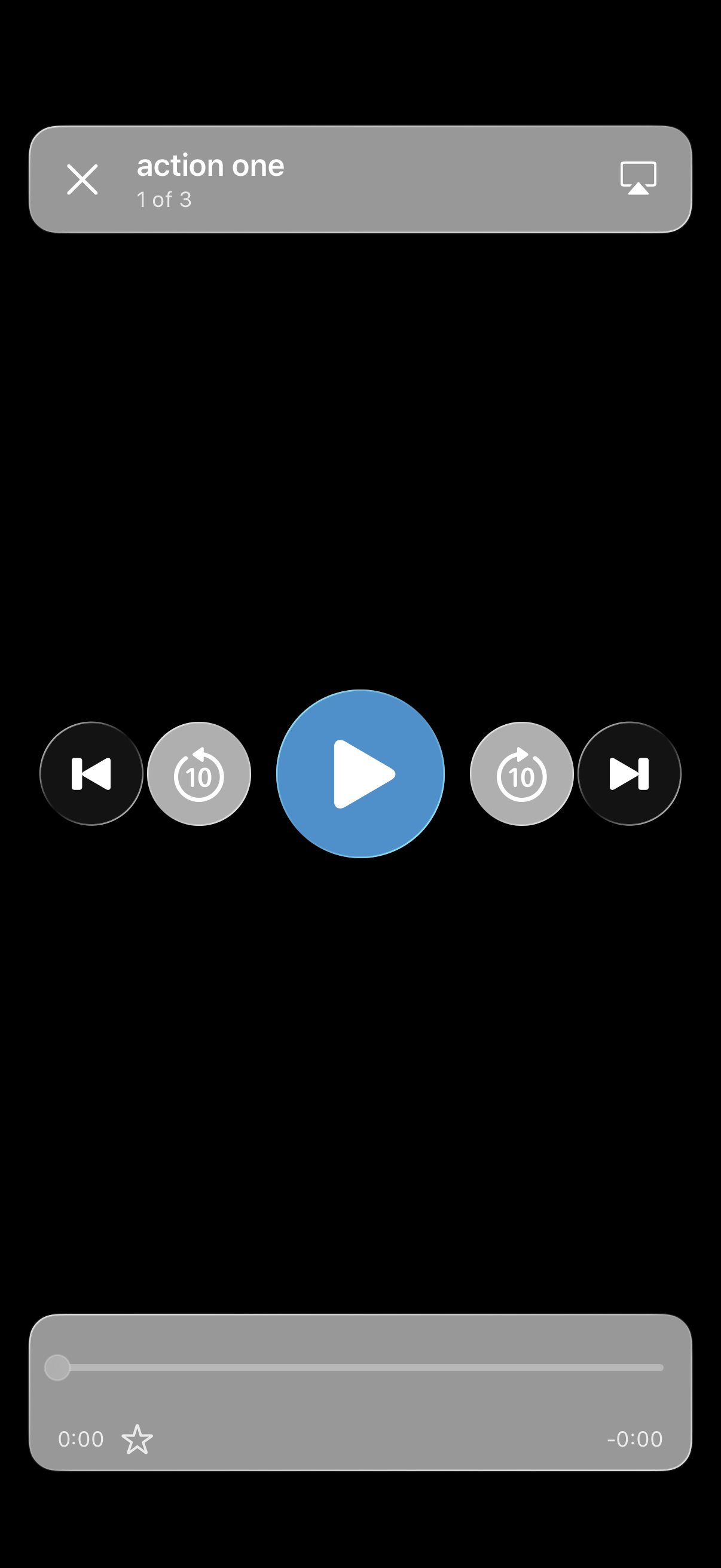
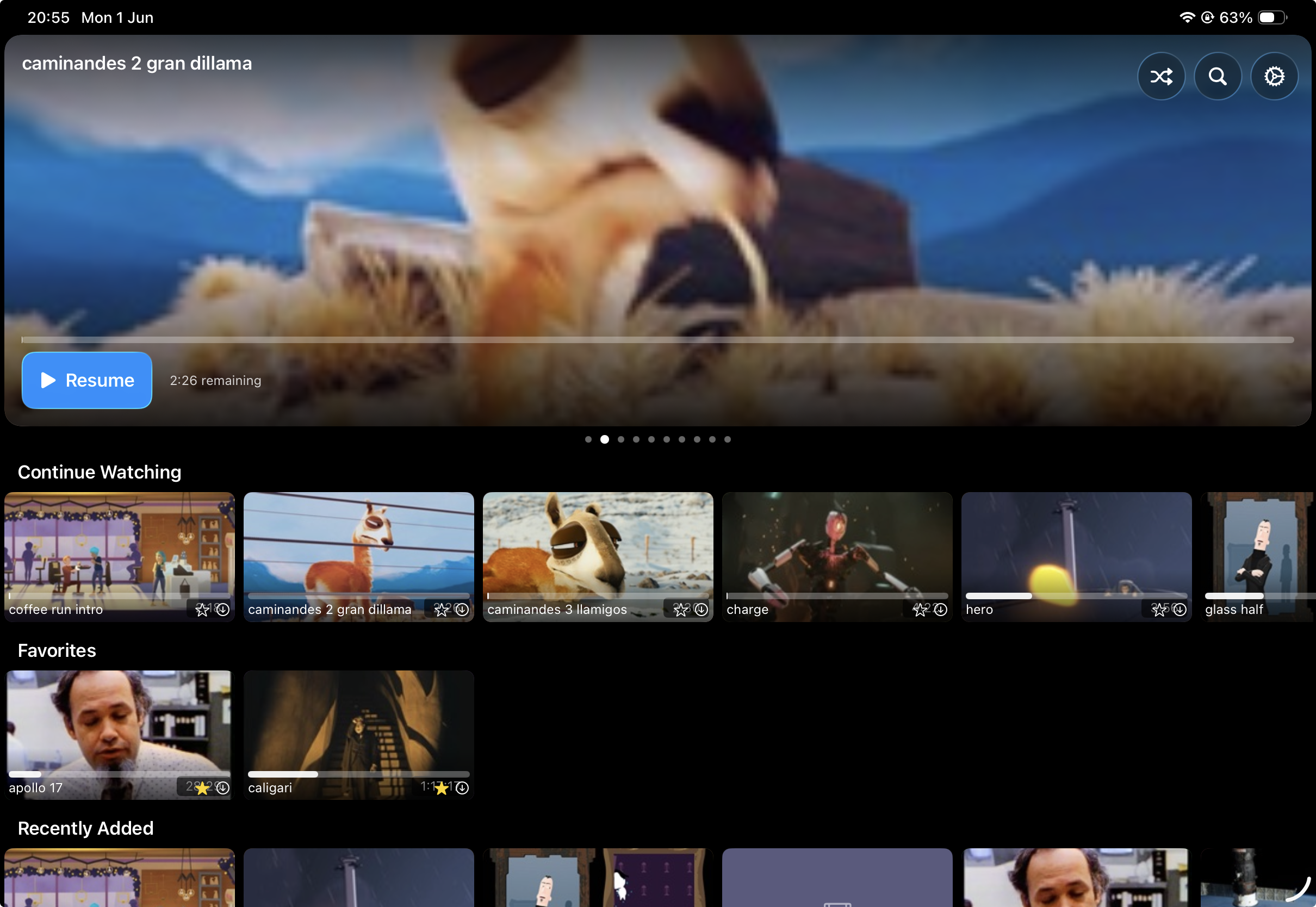

What's new and wonderful.
SharePlay watch parties, WebDAV connections, and effortless iCloud sync -- because your library should feel like home on every device.
Movie night, together.
Watch parties everyone actually enjoys.
Start a SharePlay session and your friends join in -- on any Apple device. Everyone nominates their picks, the group votes, and the winner plays. Even skipping takes a vote. No more fighting over the remote.
Now speaks HTTPS too.
SMB. NFS. And now WebDAV.
Got a WebDAV or HTTPS server? Connect to it right alongside your SMB and NFS shares. Same beautiful browsing, same smooth streaming, same everything.
Set up once. Enjoy everywhere.
Credentials travel with you via iCloud.
Add a server on your iPhone and it's already waiting on your iPad, Apple TV, and Mac. Credentials sync through iCloud Keychain so you never type a password twice.
A rotating hero carousel highlights your recent and favorite videos. It makes exploring your library genuinely enjoyable.
SharePlay joiners auto-connect to your share. Saved profiles connect instantly, and new friends get a pre-filled form.
Pause All and Resume All with one tap. See downloads from all your shares, clearly labeled.
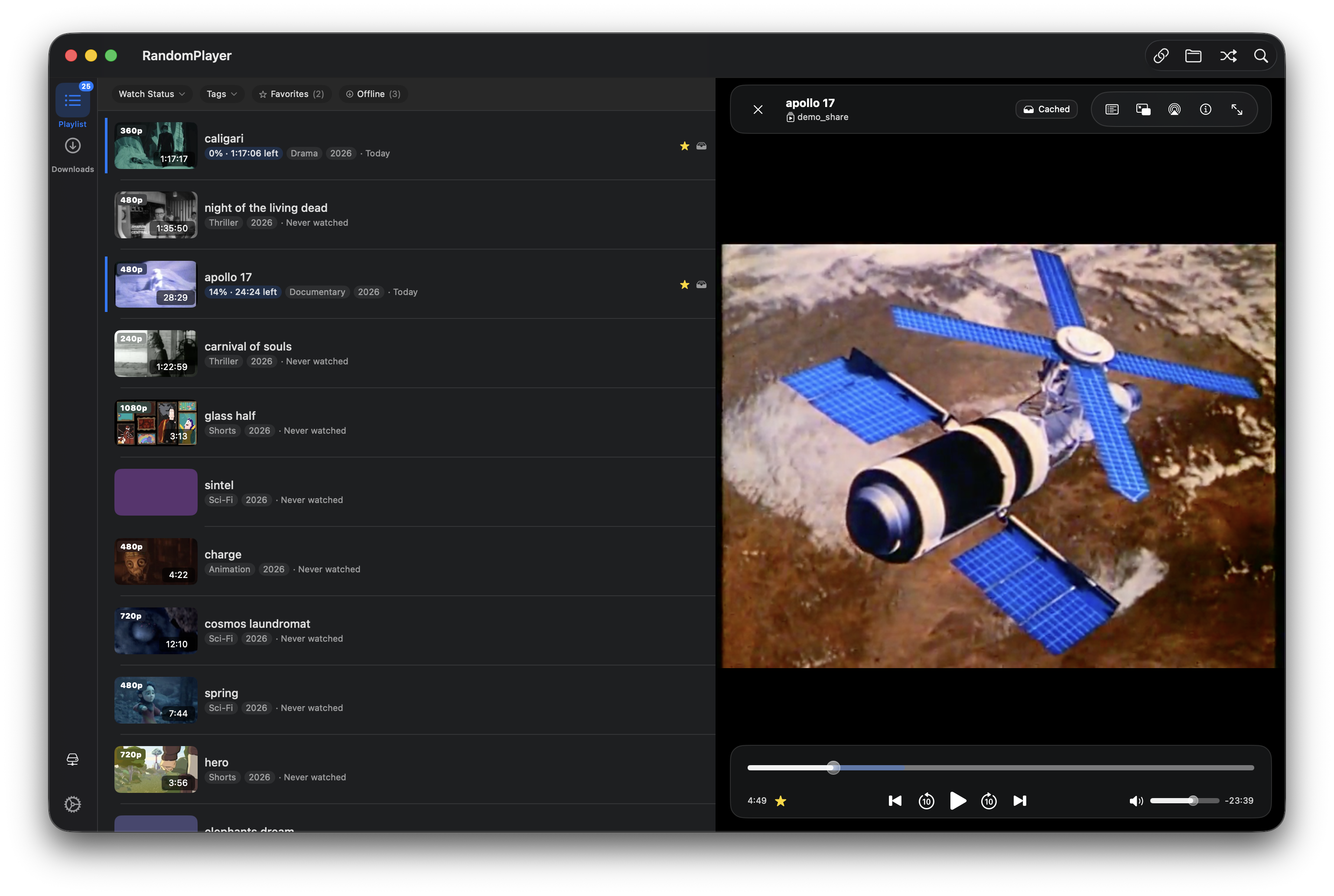
Blurred preview backgrounds, glass pill buttons, and a slimmer bar -- it feels like it belongs on your Mac.
Everything your library deserves
Start for free with shuffle and streaming. Unlock Pro for downloads & offline mode, the Browse experience, and unlimited shares.
Smart Shuffle
Hit shuffle and let the app surprise you. It builds a playlist that avoids what you've seen recently, so you're always rediscovering something great.
SMB, NFS & WebDAV
Your NAS, your way. Connect over SMB, NFS, or WebDAV -- even HTTPS servers. If your device can see the share, RandomPlayer can play from it.
Netflix-Style Browse
Gorgeous card thumbnails with animated previews, smart rows like Continue Watching and Favorites, and instant search across your whole library.
Downloads & Offline
Save videos for the road. Downloads run in the background and everything stays encrypted on your device. Your library goes wherever you go.
Encrypted Cache
Every cached file is encrypted on your device, and keys sync securely through iCloud. Your content stays private, always.
Offline Mode
Lost your connection? No worries. The app automatically shows what's available offline so you never miss a beat. Works best with Pro downloads.
SharePlay Watch Parties
Grab your friends and watch together. Everyone nominates picks, the group votes, majority wins. Movie night, democratized.
Every Apple Device
Feels right at home on iPhone, iPad, Apple TV, and Mac. Each version is built for its platform -- not a one-size-fits-all compromise.
AirPlay & Picture-in-Picture
Cast to your big screen with AirPlay or keep watching in a floating window while you do other things. Your video, your way.
MKV & WebM Playback
Drop in your MKV and WebM files -- they just work. Real thumbnail previews too, not generic file icons.
Smart Tags from Folders
Your folder structure automatically becomes browsable tags. Genre, series, year -- whatever you've organized, it's instantly filterable.
iCloud Sync
Set up once, enjoy everywhere. Watch history, favorites, server profiles, and credentials all travel with you across devices.
Favorites
Heart the videos you love. They get their own row in Browse and sync across all your devices, so your go-to picks are always one tap away.
Ready for more?
RandomPlayer is free to use and always will be. When you want the full experience, a one-time Pro upgrade unlocks everything -- no subscriptions, no recurring fees.
Browse Experience
A gorgeous Netflix-style interface with card thumbnails, animated previews, smart rows, and instant search. Makes exploring your library genuinely fun.
Downloads & Offline
Save videos for the road. Downloads run in the background, everything stays encrypted, and offline mode kicks in automatically when your server is unreachable.
Unlimited Shares
Connect to all your servers -- home, office, a friend's library. No limits. Each profile gets its own playlist and watch history.
Feels right at home, everywhere
Built from the ground up for each Apple platform. One purchase covers them all.
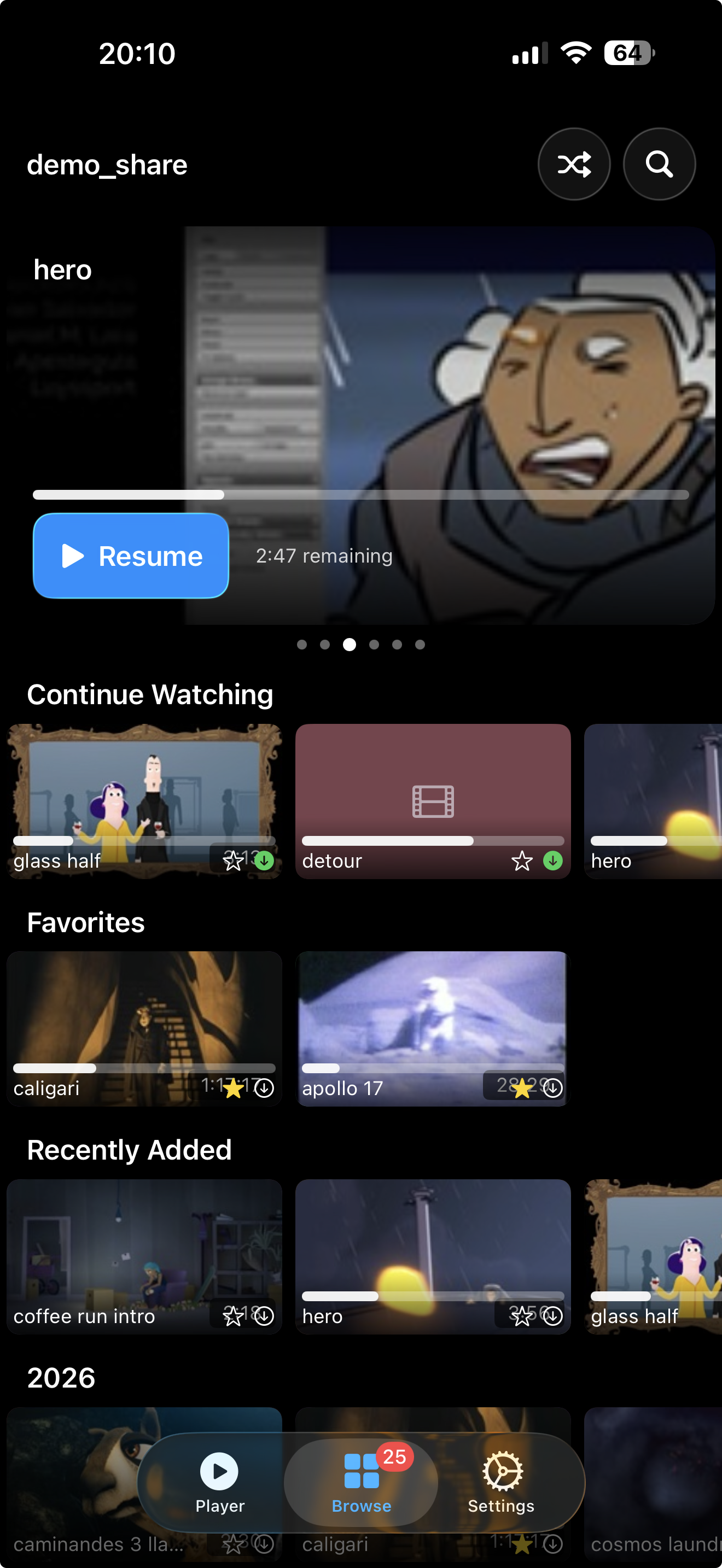
Your whole library, right in your pocket
Up and running in minutes
Three steps to your own personal streaming service.
Connect
Point the app at your NAS or shared folder. Your login syncs to all your devices -- you only set it up once.
Browse
Explore your library with gorgeous cards, animated previews, and instant search -- or keep it simple with a classic list.
Play
Hit shuffle and let the good times roll. Pick up where you left off, on any device.