Everything your library needs
Start free with shuffle, streaming, and playback across all your devices. Upgrade to Pro for downloads, the Browse experience, and unlimited shares.
SharePlay Watch Parties
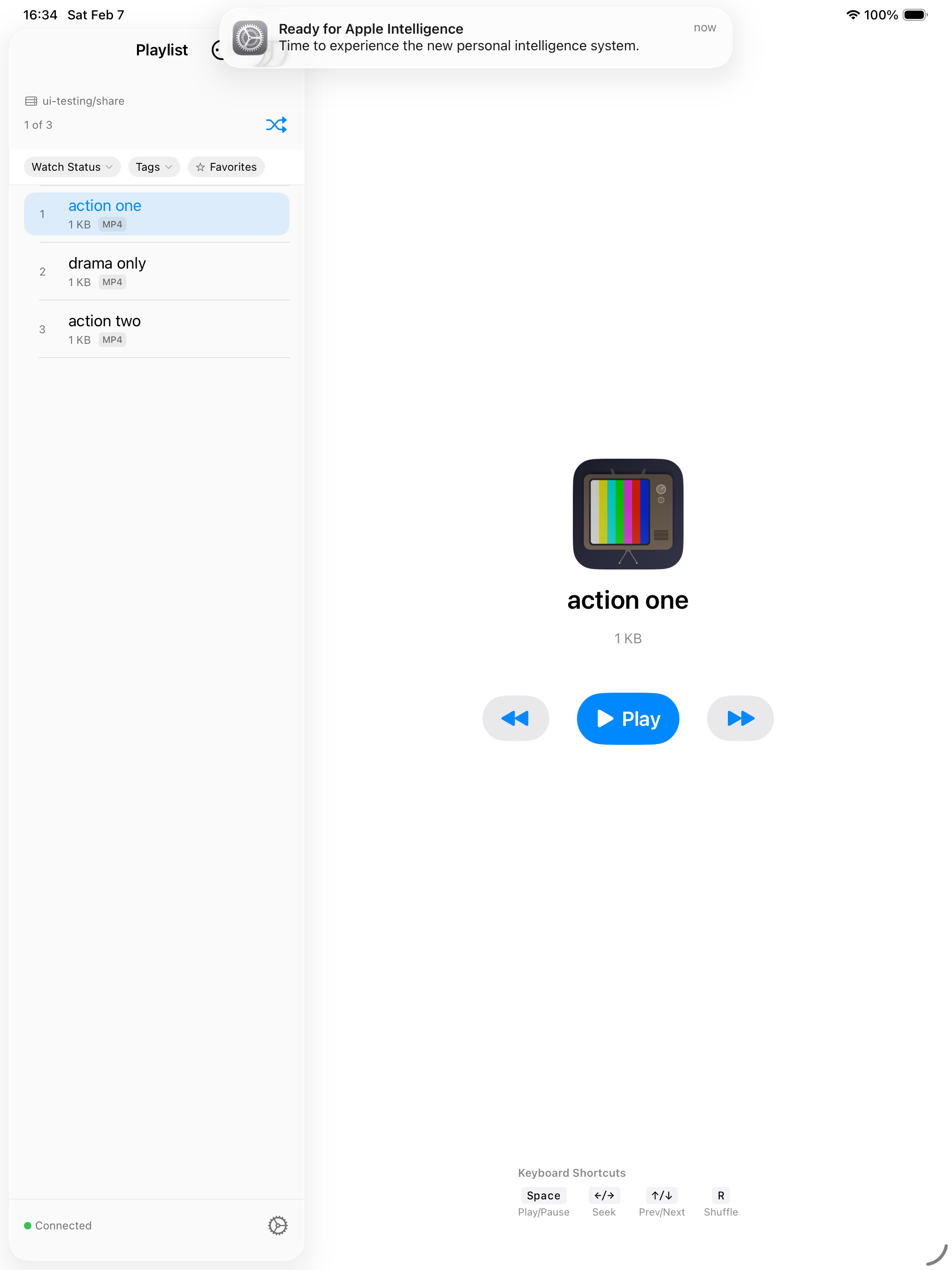
Movie night just got a lot more fun. Start a SharePlay session and watch together across any Apple device. Friends connect to your share automatically, everyone nominates from their own shuffle, and the group votes on what plays next. Even skipping takes a majority vote -- no more remote-control drama. Everything you watch together gets a special tag so you can revisit your group favorites.
Netflix-Style Browse View
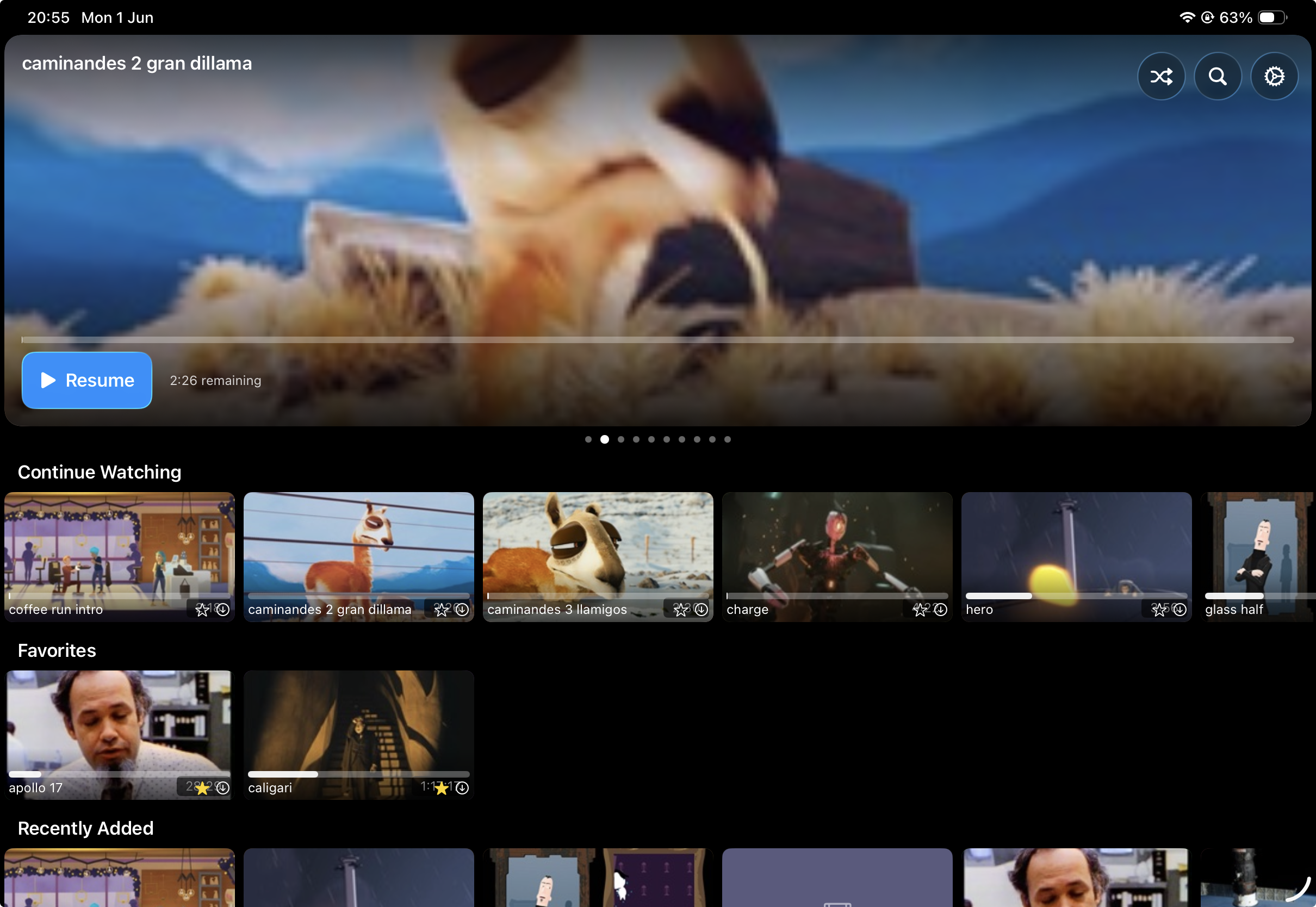
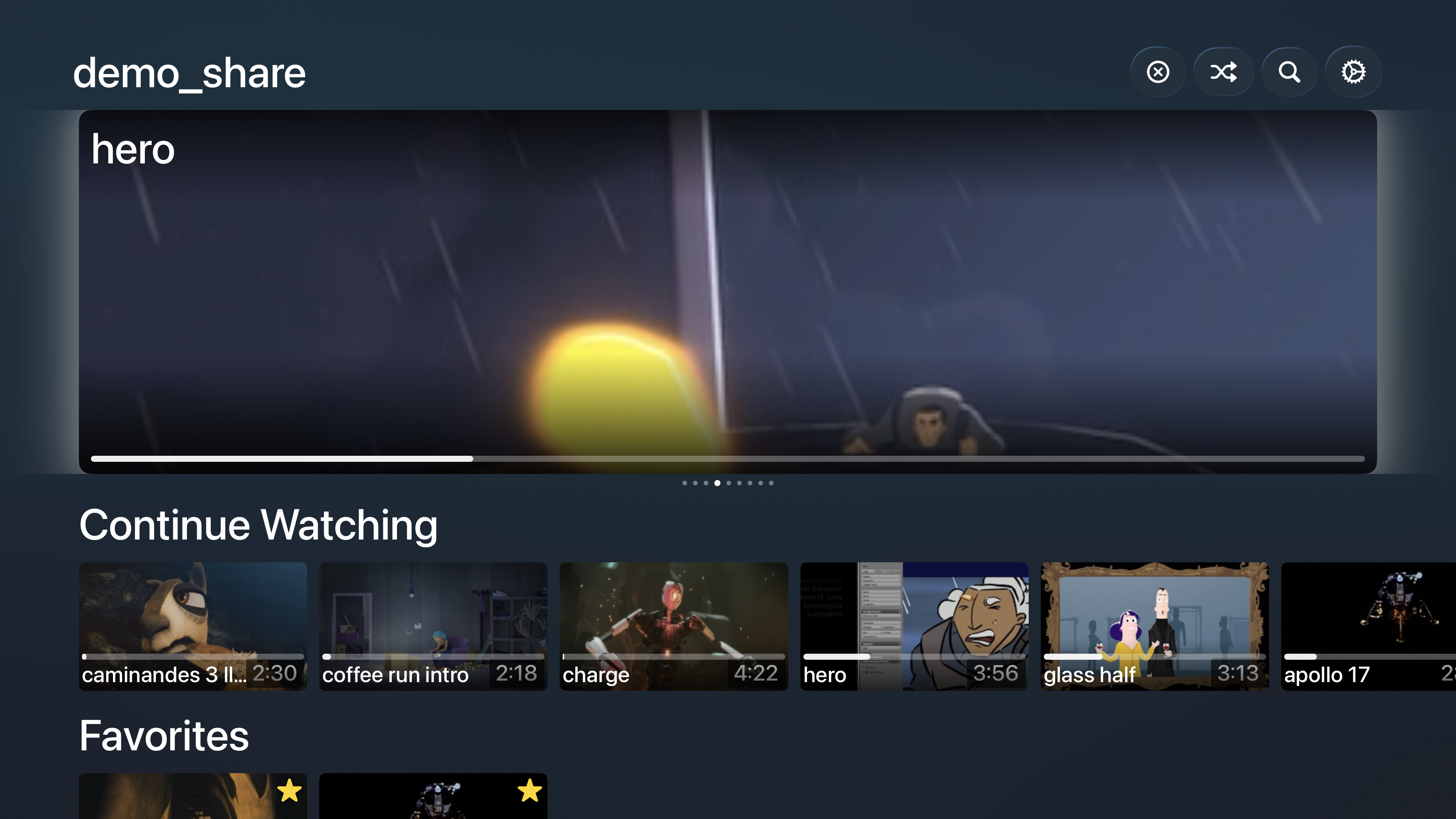
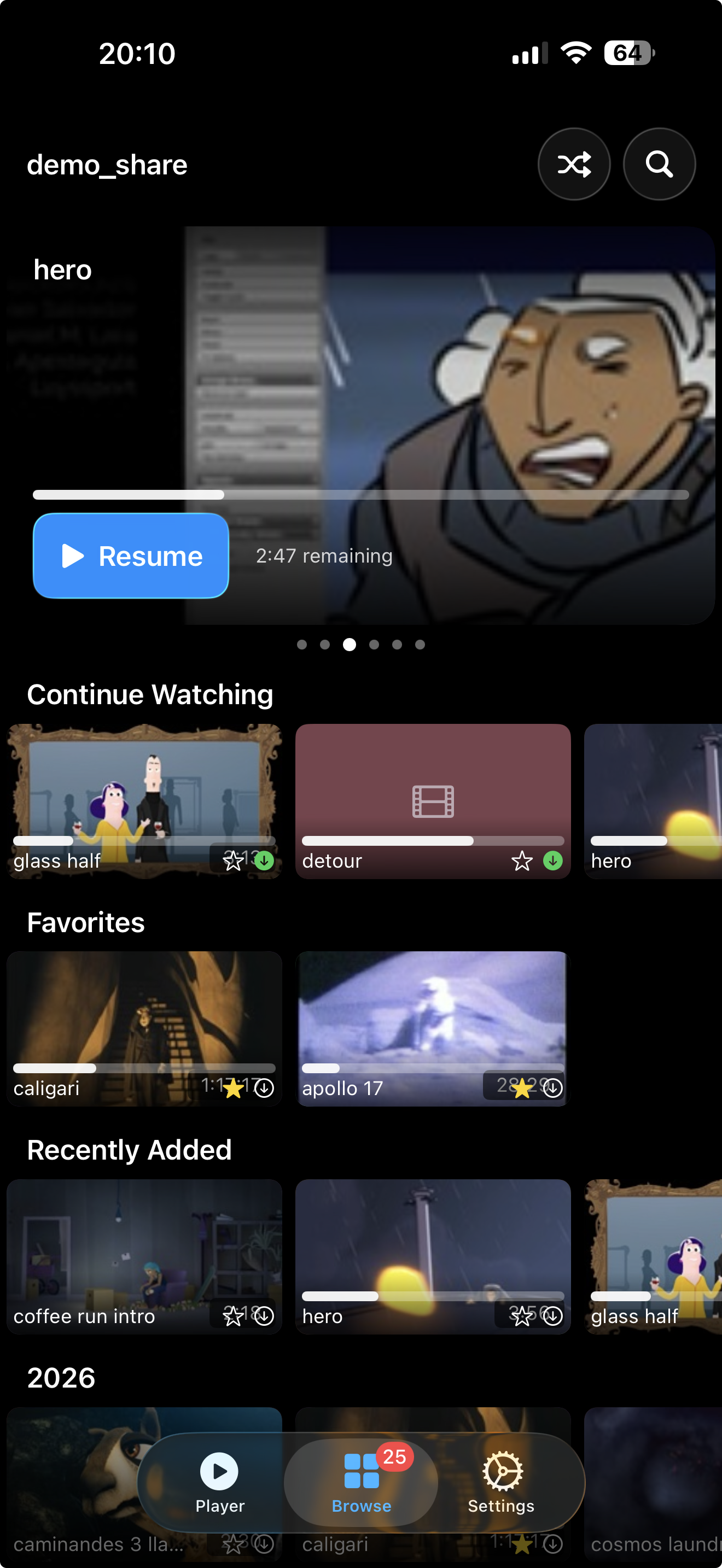
Explore your library the way it deserves to be explored. Gorgeous card thumbnails with animated previews, smart rows like Continue Watching and Favorites, a rotating hero carousel, and instant search that handles even massive libraries. It makes browsing your collection genuinely enjoyable.
Multi-Share Profiles
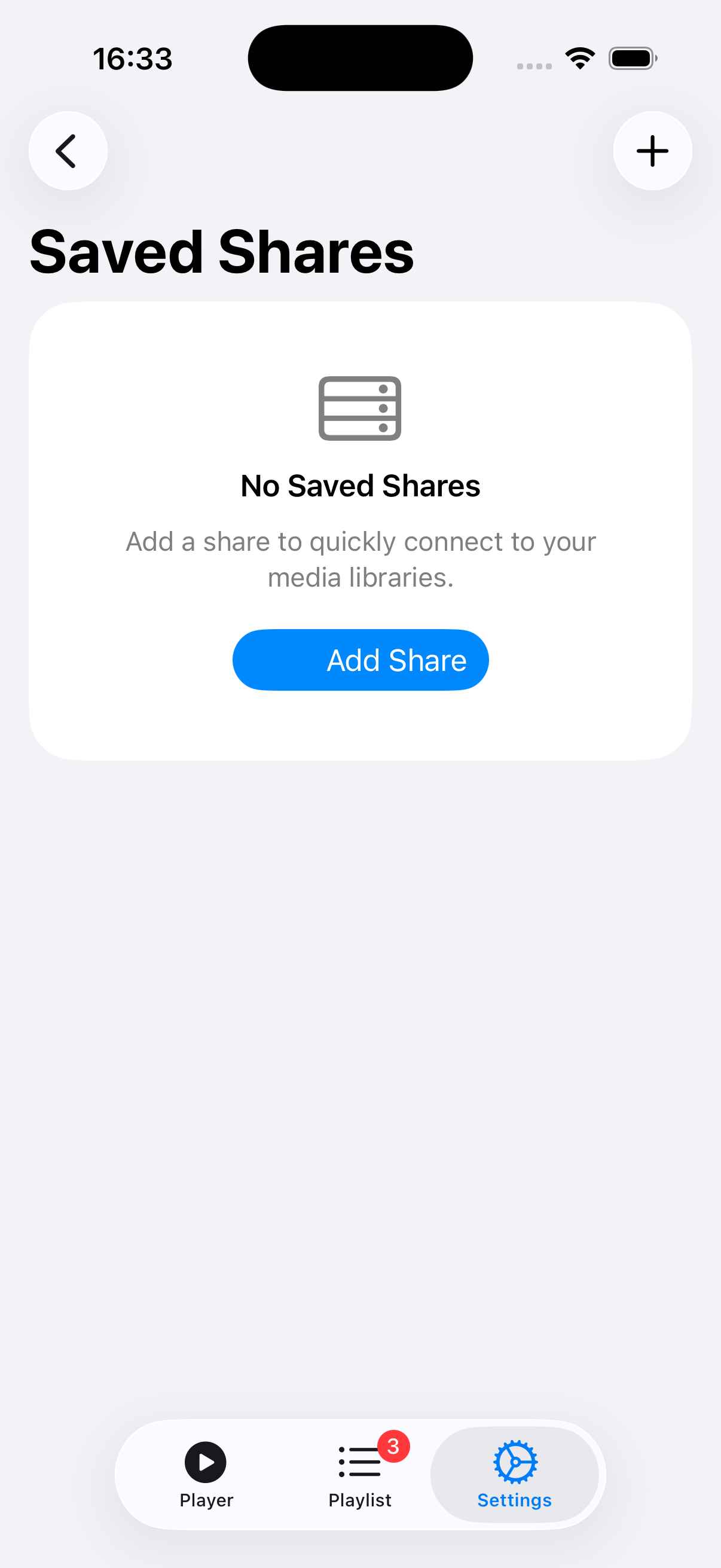
Home NAS, office server, a friend's collection -- save them all with their own credentials. Each profile keeps its own playlist and watch history, so switching libraries is instant and everything stays organized. Free users get two profiles; Pro unlocks unlimited.
Smart Shuffle & Playlists
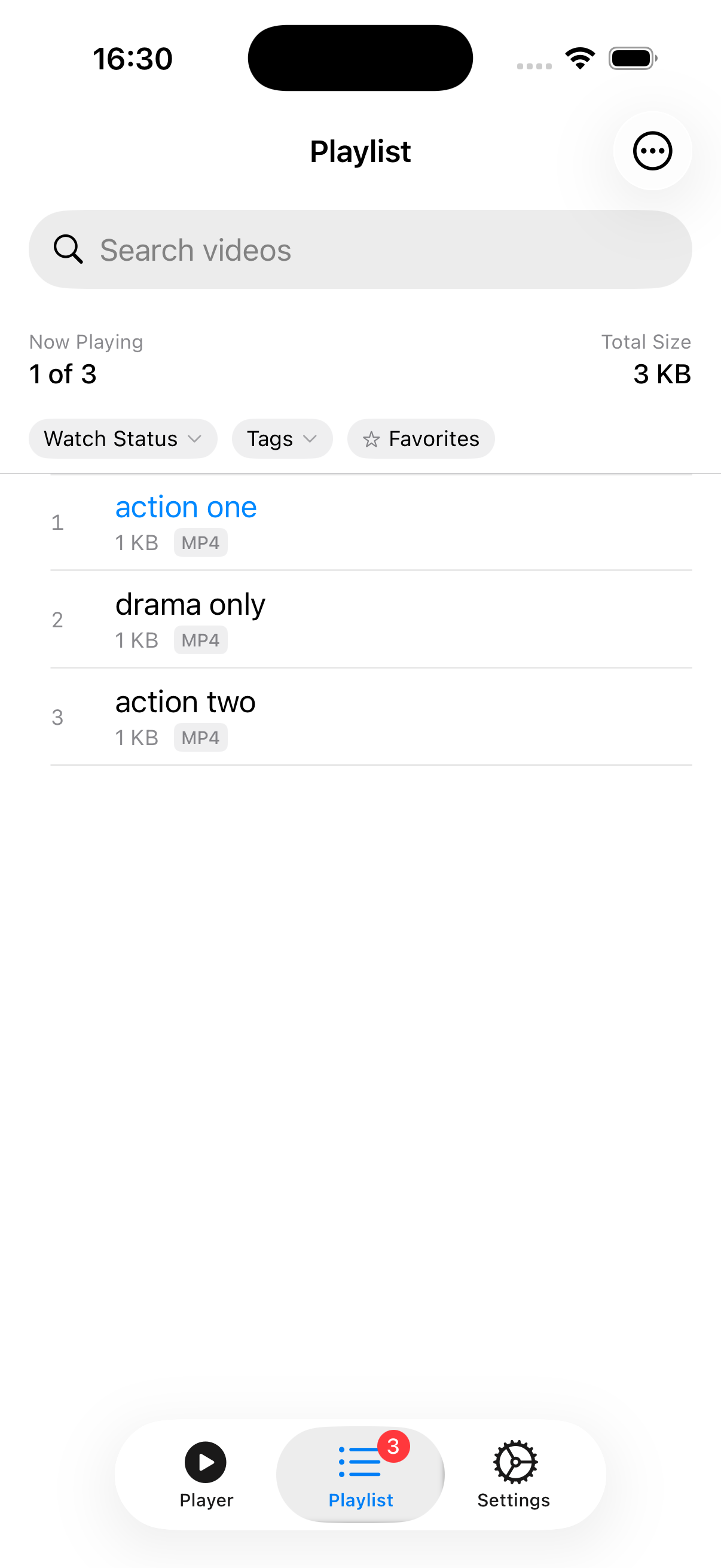
The heart of RandomPlayer. Hit shuffle and the app builds you a playlist that avoids what you've watched recently. It's the best way to rediscover forgotten favorites and stumble onto things you didn't know you had.
Downloads & Offline
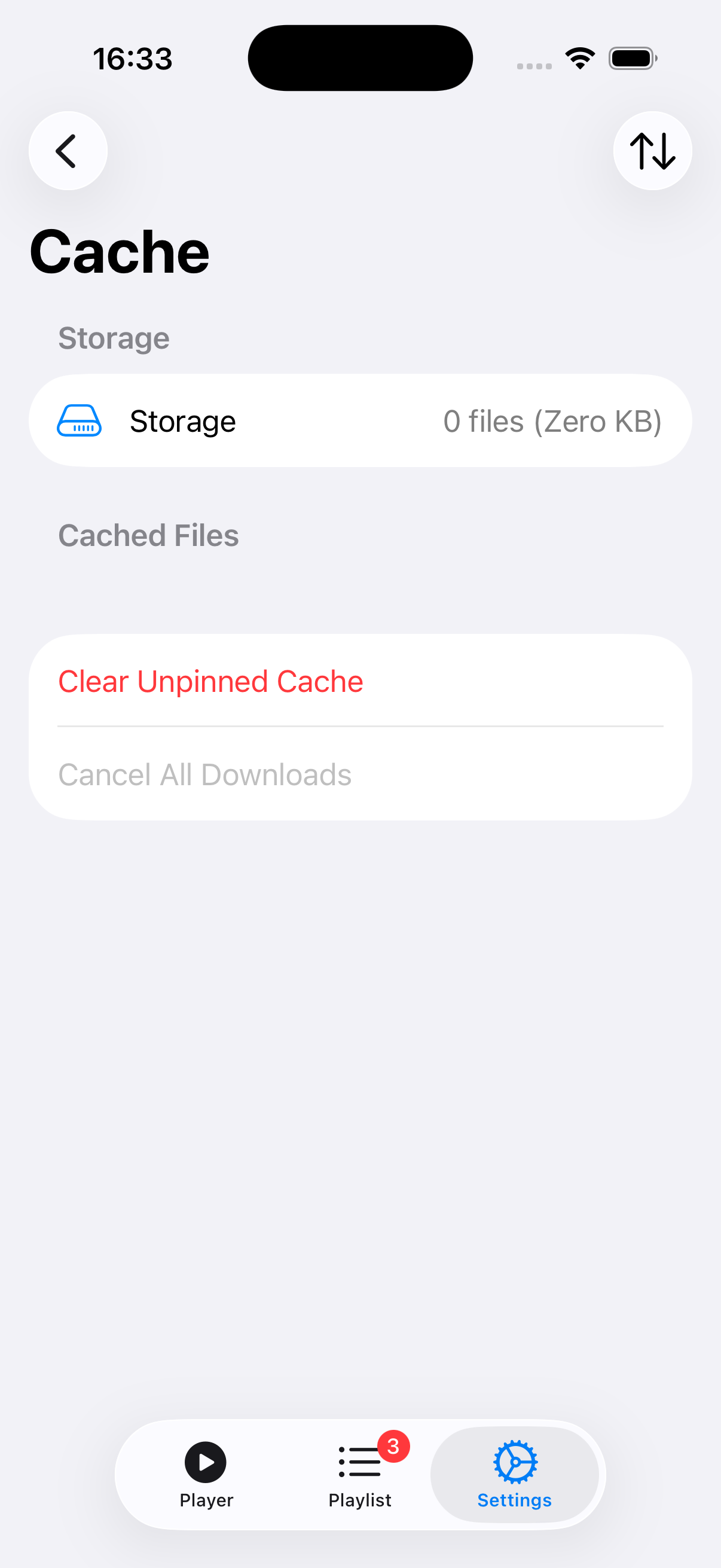
Take your videos on the road. Download in the background, queue up to 5 at once, and manage everything with Pause All / Resume All. All downloaded files are encrypted on your device with keys synced through iCloud. Your library goes wherever you go.
Offline Mode
Lost your connection? No worries. RandomPlayer automatically shows everything you've downloaded. An 'Available Offline' filter makes it easy to find what's ready, and the playlist skips anything that isn't cached. Works best with Pro downloads.
AirPlay & Picture-in-Picture
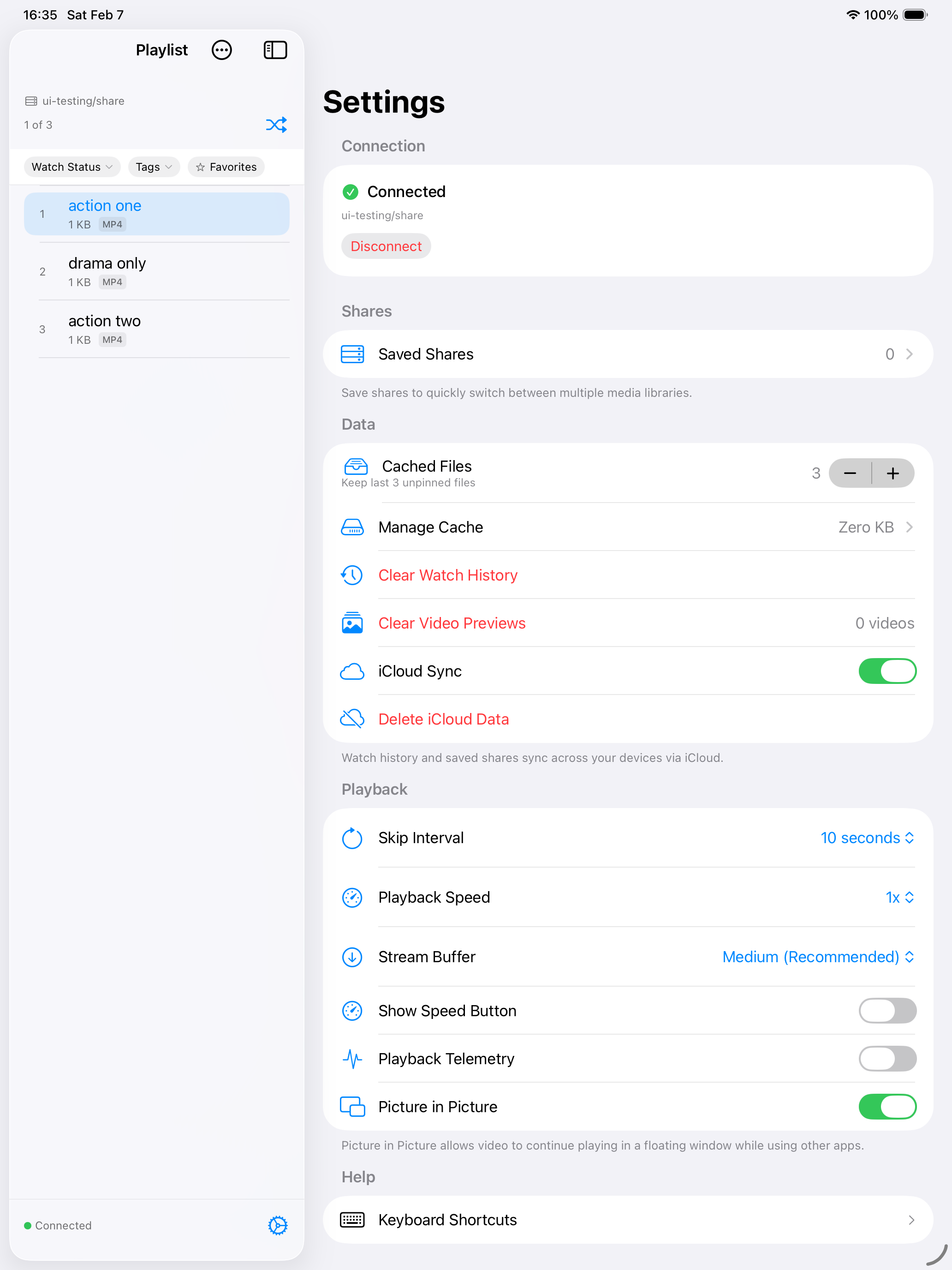
Cast to your TV with AirPlay or keep watching in a floating window while you do other things. Works beautifully on both macOS and iOS -- your video, your way.
Download Progress on Scrubber
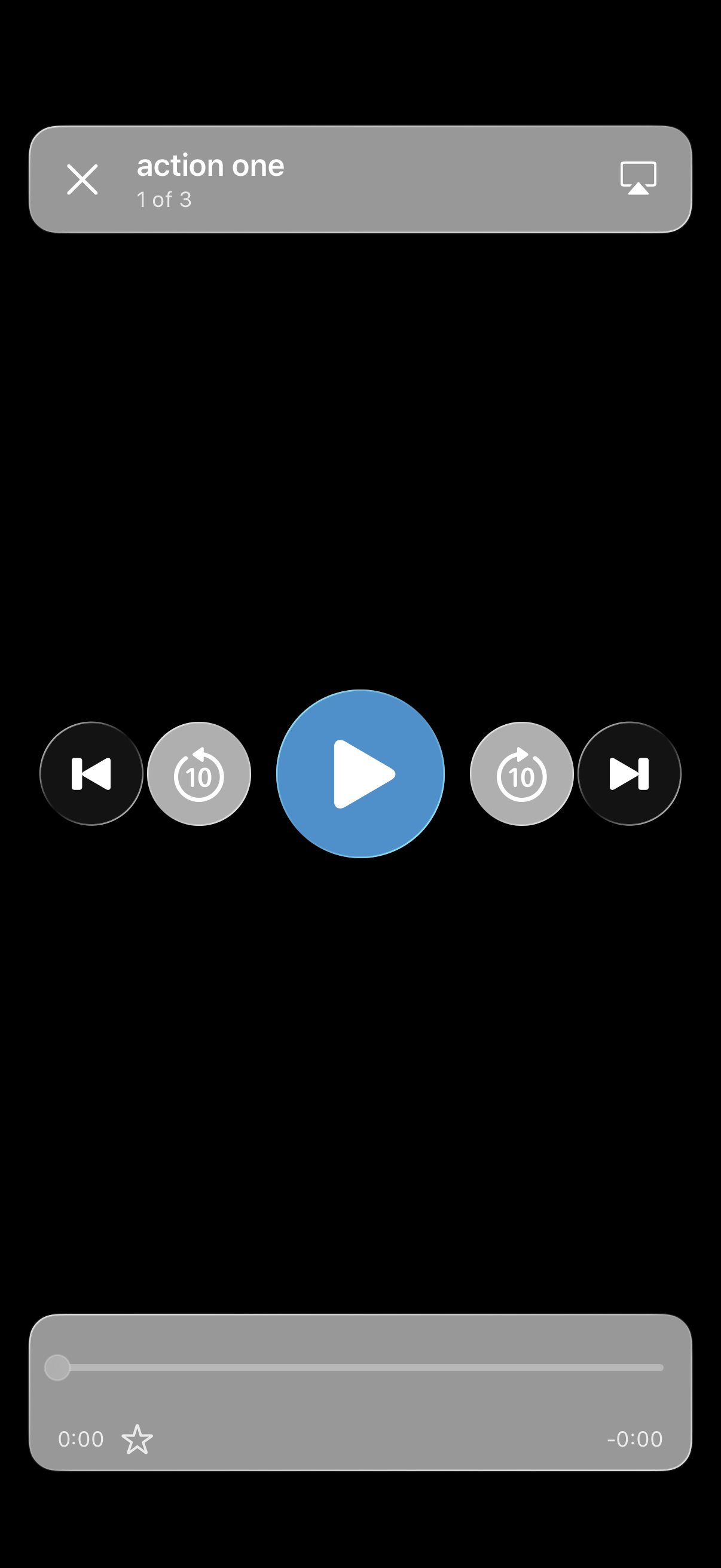
See exactly which parts of a video are downloaded, right on the playback timeline. Just like the buffered-range display you know from YouTube -- so you always know what's ready to watch offline.
Smart Tags from Folders
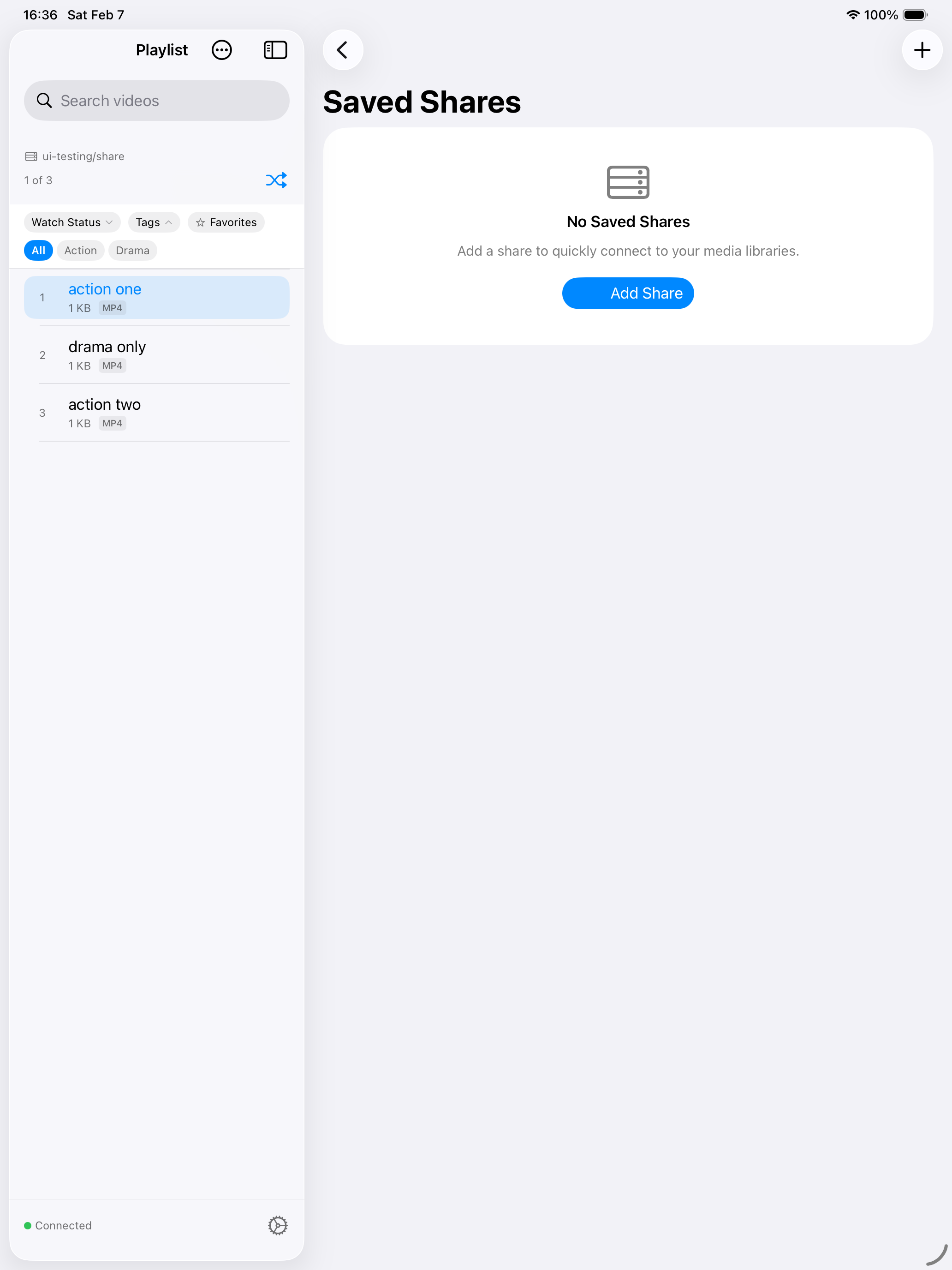
Your folder structure automatically becomes browsable, filterable tags. Genre, series, year -- whatever you've organized, it's instantly tappable. No manual work required, just connect and go.
Resume & Watch History
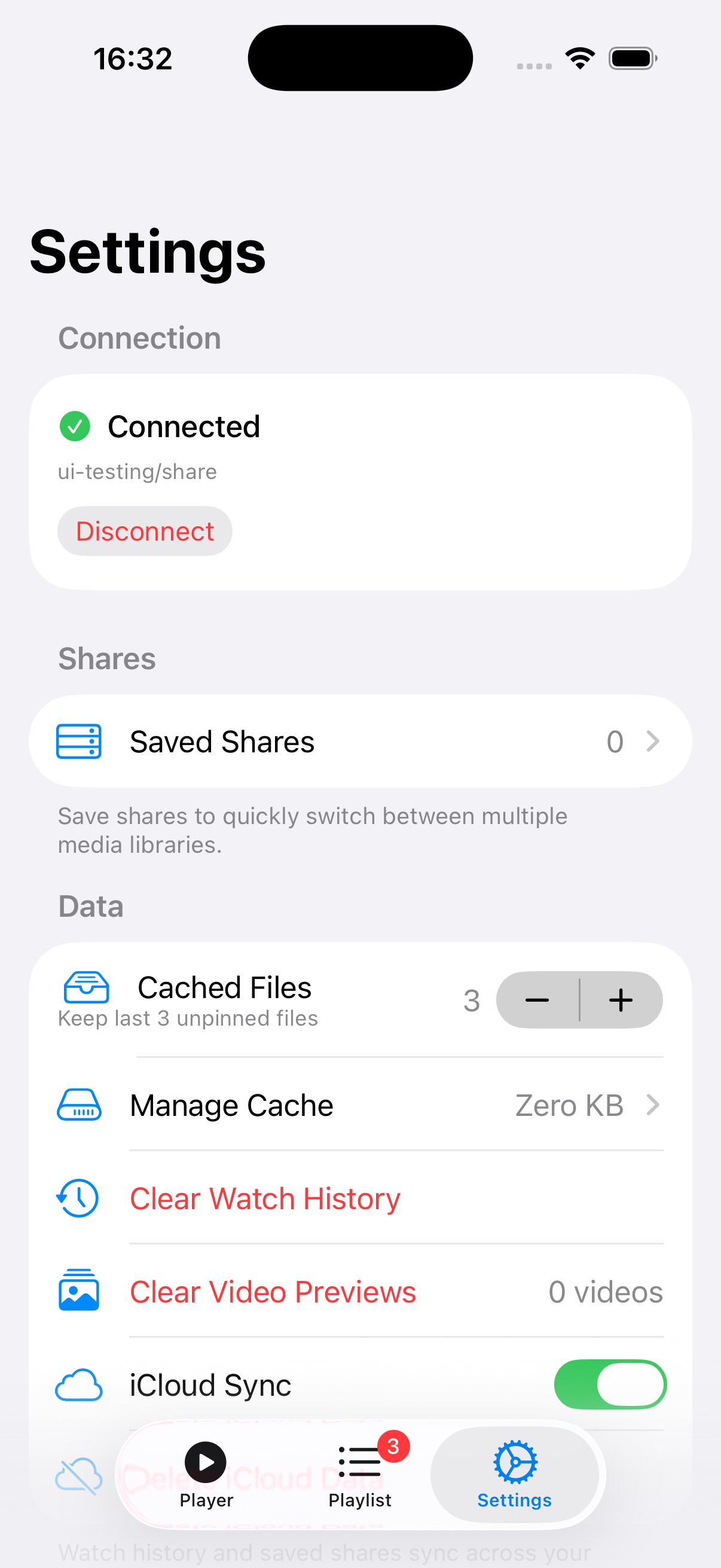
Pick up right where you left off -- every time, on every device. Watch history and resume positions sync through iCloud, so you can start on iPhone, continue on iPad, and finish on Apple TV.
MKV & WebM Support
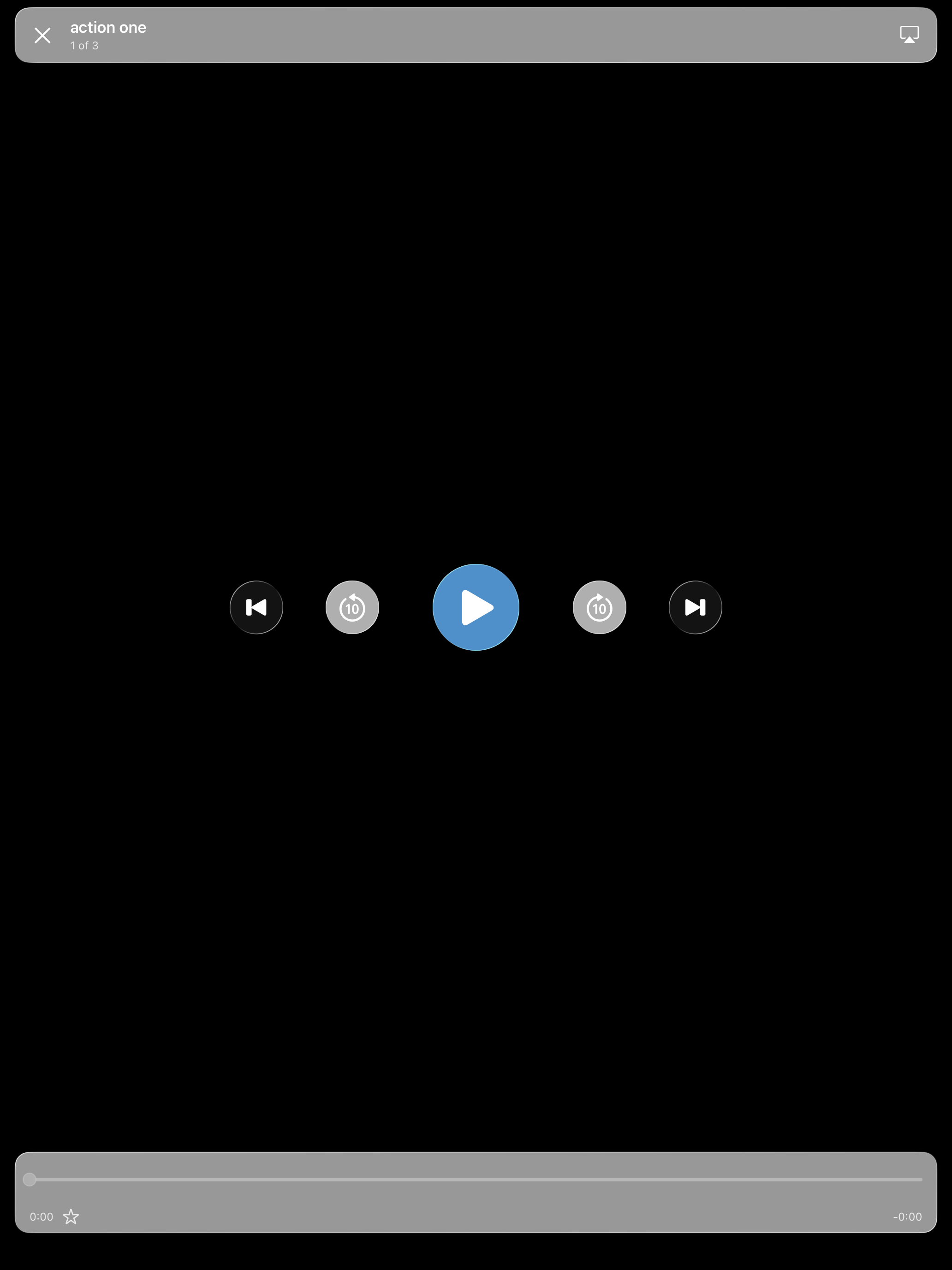
MKV and WebM files play natively -- no conversion, no waiting. MKV files even get real thumbnail previews extracted on-device, so you see actual frames instead of generic file icons. Just drop them in and press play.
Full Playback Controls
Skip, scrub, adjust speed, switch audio tracks, pick subtitles -- all the controls you'd expect, thoughtfully designed for each platform. Video metadata like codec, resolution, and bitrate are right there at a glance.
Built for Each Platform
This isn't a one-size-fits-all app. Siri Remote on Apple TV, keyboard shortcuts on Mac, touch gestures on iPhone and iPad -- every version feels like it was made just for that device. Because it was.
iCloud Sync
Set up once, enjoy everywhere. Watch history, resume positions, favorites, share profiles, and credentials all sync across your devices via iCloud and iCloud Keychain. Add a server on your iPhone, and it's already waiting on your iPad.
Favorites
Heart the videos you love. They get their own Browse row, sync across all your devices via iCloud, and work seamlessly with tag and watch-status filters. Your go-to picks are always one tap away.
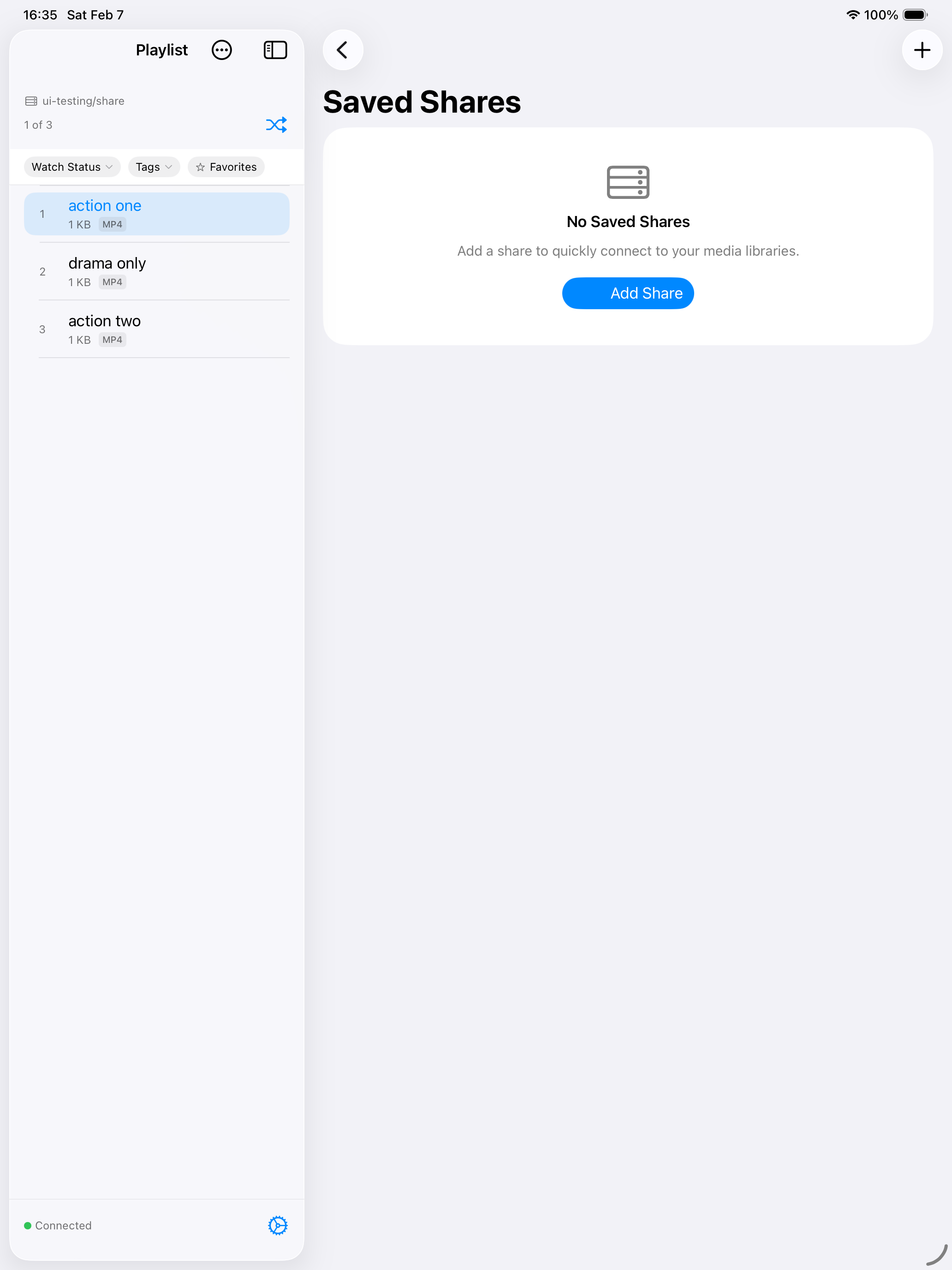
NFS & WebDAV Protocol Support
Three protocols, one app. Connect to NFS and WebDAV shares right alongside SMB. WebDAV supports HTTPS with optional certificate validation. Same beautiful browsing, same smooth streaming, no matter which protocol your server speaks.